Expert Support
Visit our Helpdesk
Visit our Helpdesk

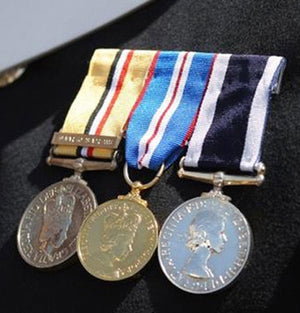
The General Service Medal 2008 (GSM 2008) recognises qualifying operational service on designated military operations where a dedicated campaign medal is not awarded.
Continuing the long tradition of British General Service Medals, the GSM 2008 uses clasps to identify the operation or theatre of service for which the medal has been awarded.
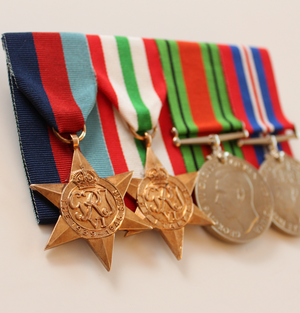
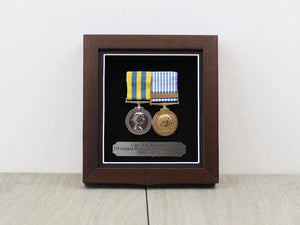
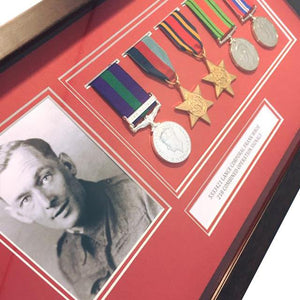
This collection includes Ministry of Defence licensed replacement medals, miniature medals, ribbons and clasps covering both Queen Elizabeth II (EIIR) and King Charles III (KCIII) issues.
Further details of history and eligibility can be found here.
GSM 2008 (clasp only) Global Operations
GSM 2008 (clasp only) Global Operations
Miniature clasp to the GSM 2008 - Western Africa.
GSM 2008 (clasp only) Eastern Africa Awarded with the 2008 GSM as follows; OP PRESIDIUM - 45 days continuous or 60 days accumulated from 10th Febru...
View full detailsGSM 2008 (clasp only) Western Africa Added to the GSM 2008 and awarded for service of 45 days continuous or 60 days accumulated between 13th Janu...
View full detailsMiniature clasp to the GSM 2008 - Eastern Africa.
Miniature clasp to the GSM 2008 - Gulf of Aden. The miniature General Service Medal 2008 clasp Gulf of Aden clasp. Presented to soldiers who serve...
View full detailsGSM 2008 (clasp only) Northern Africa Awarded as follows; OP DEFERENCE̴Ì_- 1 day for ground operations, 1 operational air sortie, 1 day alongside...
View full detailsGSM 2008 (clasp only) Gulf of Aden
GSM 2008 (clasp only) Arabian Peninsula Awarded as follows; OP QUANTUM 45 days continuous or 60 days accumulated from 1st January 2009 to 21st Ma...
View full detailsGSM 2008 (clasp only)̴Ì_Southern Asia Awarded as follows; OP DEFERENCE̴Ì_- 1 day for ground operations, 1 operational air sortie, 1 day alongside...
View full detailsMiniature clasp to the GSM 2008 - Southern Asia.